Floor plans
The first planned area is Floor Plans.
No product matches that search. Try another word, or tell us what you need.
Floor plans and seat assignment.
A planned module for building and floor setup, visual seat mapping and assigning seats to employees.
In development
Planned scope
As an office grows, nobody is sure which desks are free, who sits where, or how many seats a floor really has. Seat Management is a planned product for recording buildings, floors and seats, and for assigning seats to employees. It is in development and is not available for use yet.
The plan has two parts. Floor Plans will cover building and floor setup and a visual seat map. Assignments will cover giving a seat to an employee and mapping an asset, such as a computer, to a seat. Details may change as the product is built.
Seat Management is planned; none of its screens can be used today.
You will set up each building and its floors before adding seats.
A visual map is planned to show the seats on each floor.
Seats will be assigned to employees, and assets will be mapped to seats.
Planned scope
This product is not available yet. Features, availability and delivery dates are not confirmed.
The first planned area is Floor Plans.
The second planned area is Assignments.
Some things are still open.
What is planned
This is the scope we are working towards. Nothing here is available yet, and dates are not confirmed.
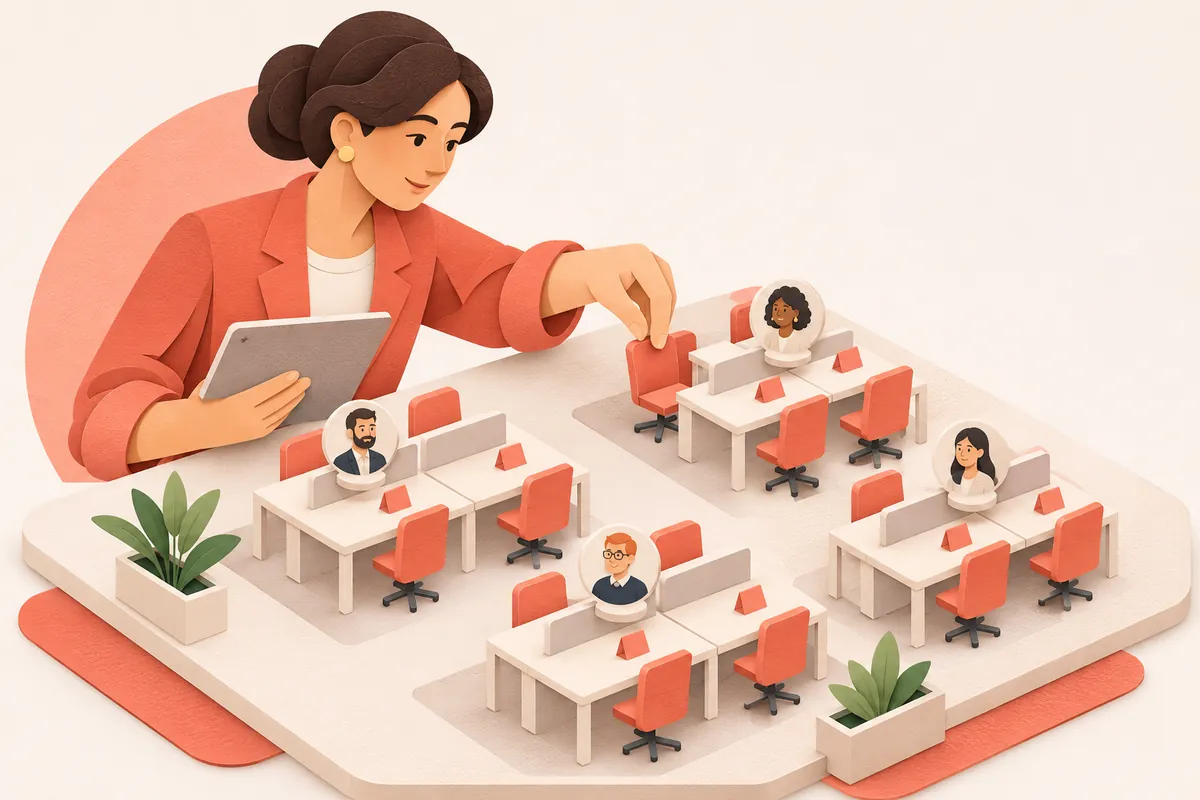
The first planned area is Floor Plans. In Building & Floor Setup you will record each building and the floors inside it. Visual Seat Mapping will then let you lay out the seats on a floor, so the plan on screen matches the office. The aim is a single, shared picture of capacity: how many seats exist on each floor and where they are.
The second planned area is Assignments. Assign Seat to Employee will record who sits at each seat, using the employees already held in Core HR. Map Asset to Seat will link equipment to a seat, so you know which desk a computer belongs to. Together these will show which seats are taken and which are free, to help you plan moves and new joiners.
Some things are still open. Whether seats can be booked by the day for shared desks, how floor drawings will be loaded, and which reports will come with the product have not been settled. We prefer to tell you this now. If one of these points decides whether Seat Management is useful to you, raise it with us and we will confirm the scope before you commit.
Who uses it
Each person sees the screens and records their role allows, and nothing more.
Is planned to get one record of buildings, floors and seats, with who sits where.
Will be able to give a new joiner a seat from the same employee records used in Core HR.
Will be able to see which equipment is mapped to which seat.
Works with
IAKKA products share the same people, customer and company records. Add any of these when you are ready.
No. It is in development. The plan covers Floor Plans and Assignments, but the screens are not ready for daily use. We will tell you plainly when it can be tried.
That is not decided. The current plan covers seat assignment: recording which employee sits at which seat. If shared desks and bookings matter to you, tell us now so we can confirm whether they will be in scope.
We cannot confirm this yet. A visual seat map is planned, but how floors are drawn or loaded has not been settled. We will confirm it before you commit to using the product.
A screen called Map Asset to Seat is planned. It is intended to link an item from the asset register, such as a computer, to a seat. Asset Management is available today and already records which employee holds an asset.
In development. Seat Management is not available yet. Tell us you are interested and we will confirm the scope and timing with you.
Choose “Register your interest” on this page. Your enquiry will carry this product’s name, so tell us your team size, your current process and the result you need.
Tell us how your team works today. We will show you the products that fit.